
テーマの使い方
Vivliostyle Themeは、Vivliostyleで出版物を作る際に使うスタイルテーマです。npmパッケージとして配布されており、vivliostyle.config.js で指定するだけで出版物のスタイルを適用できます。
テーマのインストール
使いたいテーマをnpmでインストールします。
npm install @vivliostyle/theme-techbookテーマの指定方法
基本的な指定
vivliostyle.config.js の theme プロパティにパッケージ名を指定します。
module.exports = {
  theme: '@vivliostyle/theme-techbook',
};
特定のCSSファイルを指定する
テーマによっては複数のCSSファイルを提供しています。デフォルト以外のCSSファイルを使う場合は、specifier と import を指定します。
module.exports = {
  theme: {
    specifier: '@vivliostyle/theme-gutenberg',
    import: 'alice.css',
  },
};
複数テーマの組み合わせ
theme プロパティに配列を指定することで、複数のテーマを組み合わせられます。たとえば、テーマのコードブロック配色を変更する場合:
module.exports = {
  theme: [
    '@vivliostyle/theme-techbook',
    {
      specifier: '@vivliostyle/theme-base',
      import: 'prism/theme-prism',
    },
  ],
};
CSS変数によるカスタマイズ
各テーマはCSSカスタムプロパティ(CSS変数)で設定値を公開しています。カスタムCSSファイルで変数を上書きすることで、テーマのスタイルを調整できます。
CSS変数の命名規則
| プレフィックス | 用途 | 例 |
|---|---|---|
--vs- |
ドキュメント全体に影響するメタプロパティ | --vs-font-family, --vs-font-size |
--vs-- |
基本HTMLタグのスタイル | --vs--heading-line-height, --vs--h1-font-size |
--vs-{module}-- |
モジュール固有の設定 | --vs-footnote--call-content, --vs-toc--ol-indent-size |
--vs-theme-{name}-- |
テーマ固有の設定 | --vs-theme-techbook--inline-code-color-bg, --vs-theme-slide--cover-page-color-bg |
カスタマイズの例
テーマのCSS変数を上書きするカスタムCSSを作成し、vivliostyle.config.js で追加指定します。
custom.css:
:root {
  --vs--anchor-text-color: #e74c3c;
  --vs-theme-techbook--inline-code-color-bg: #fdebd0;
  --vs-page--mbox-top-outside-content: 'My Book Title';
  --vs-page--mbox-bottom-outside-content: counter(page);
}
vivliostyle.config.js:
module.exports = {
  theme: [
    '@vivliostyle/theme-techbook',
    'custom.css',
  ],
};
各テーマで利用可能なCSS変数の一覧は、テーマごとのREADMEを参照してください。
公式テーマ一覧
@vivliostyle/theme-bunko
文庫(縦書き小説)向け。ルビ・縦中横対応、行数・文字数の設定可能。

@vivliostyle/theme-slide
スライドプレゼンテーション向け。カバーページ(.cover)、全面画像ページ対応。

@vivliostyle/theme-techbook
技術同人誌向け。余白調整、目次、ソースコードハイライト対応。

@vivliostyle/theme-academic
レポート・学術論文向け。章・節の自動採番、フレーム要素(.frame)対応。

@vivliostyle/theme-gutenberg
英文書籍向け。3種のCSSバリエーション(alice.css, fang.css, sherlock.css)あり。

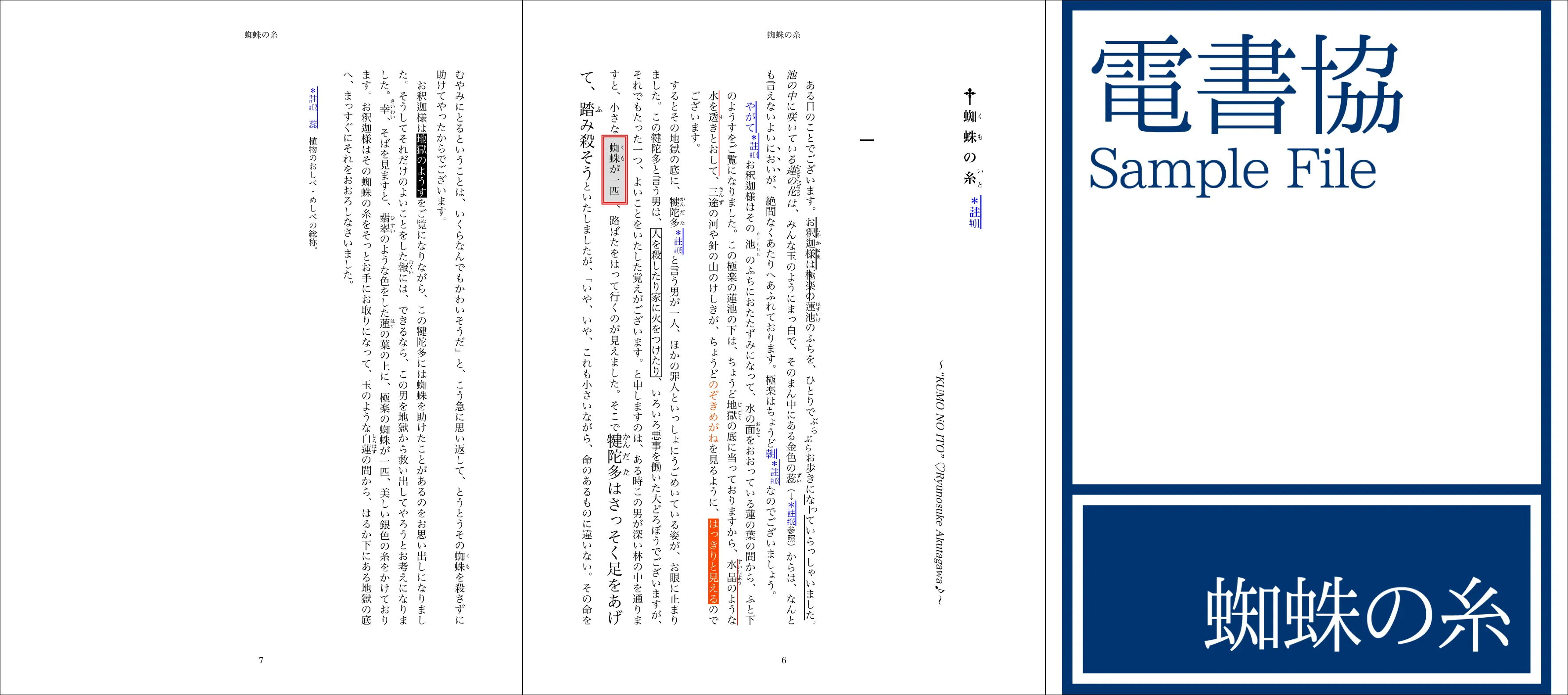
@vivliostyle/theme-epub3j
日本語EPUB3出版物向け。電書協EPUB3制作ガイド準拠のスタイル。
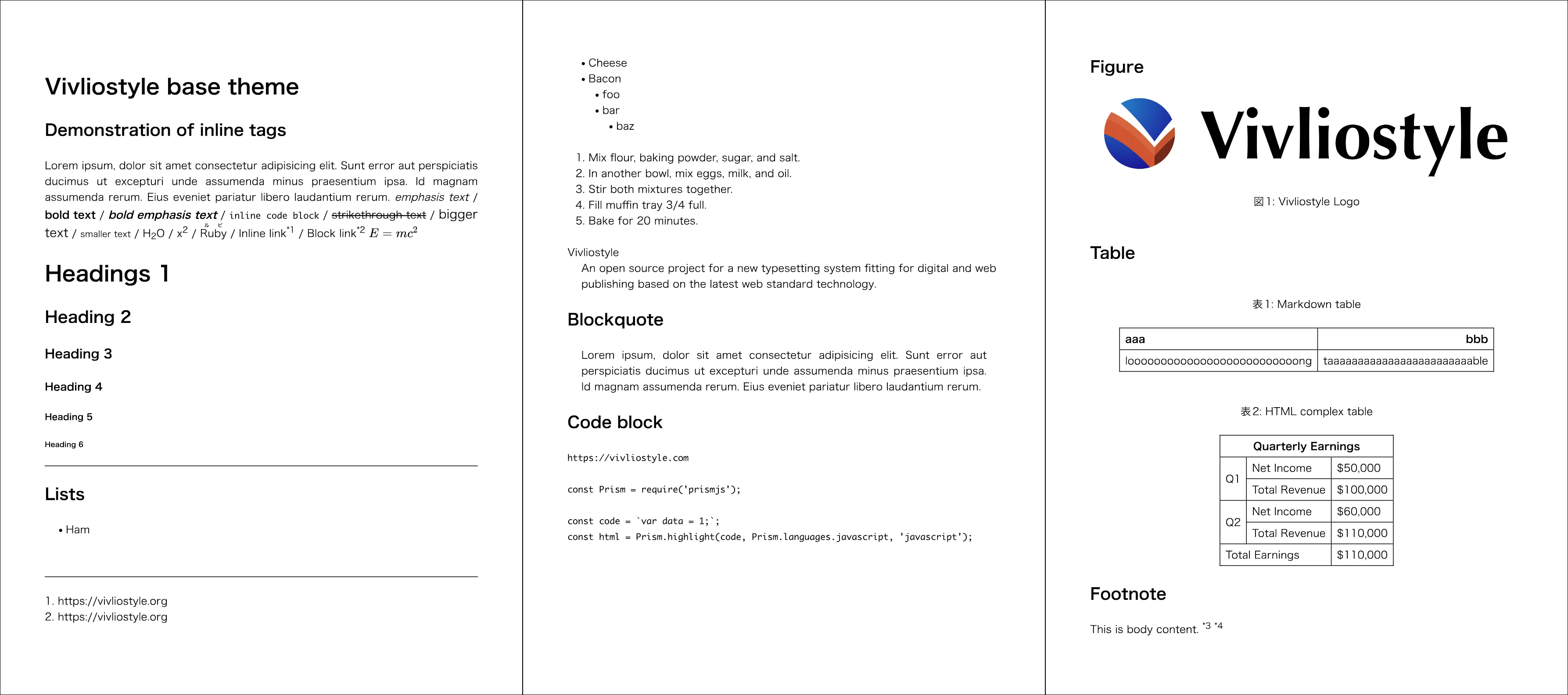
@vivliostyle/theme-base
他テーマの基盤となるCSSツールキット。モジュール単位で @import 可能。
各テーマの詳細はVivliostyle Themesギャラリーを参照してください。
theme-baseを直接使う
@vivliostyle/theme-baseは、他のテーマの基盤となるベーステーマです。独自テーマを構築する際のツールキットとしても利用できます。
パッケージエントリとモジュール
パッケージのエントリ(theme.css)には基本モジュール(CSSリセット、変数の規定値、基本スタイル)だけが含まれます。それ以外のモジュール(相互参照、脚注、ページレイアウト、目次等)はオプトインで、@vivliostyle/theme-base/footnote のようにサブパスを指定して個別にインポートします。
// 基本モジュールを使用
module.exports = {
  theme: '@vivliostyle/theme-base',
};
利用可能なモジュール
| モジュール | サブパス | CSS変数プレフィックス |
|---|---|---|
| Basic(基本スタイル) | (パッケージエントリ) | --vs-, --vs-- |
| Figures(図) | figure |
--vs-figure-- |
| Tables(表) | table |
--vs-table-- |
| Citations(引用文献) | citation |
--vs-citation-- |
| Code listings(コードリスト) | listing |
--vs-listing-- |
| Equations(数式の採番) | equation |
--vs-equation-- |
| Theorems(定理) | theorem |
--vs-theorem-- |
| Appendices(付録) | appendix |
--vs-appendix-- |
| Endnotes(後注) | endnote |
--vs-endnote-- |
| Footnotes(脚注) | footnote |
--vs-footnote-- |
| Footnotes for external links(外部リンクの脚注化) | footnote/external-links |
--vs-footnote-- |
| Page layout(ページレイアウト) | page |
--vs-page-- |
| Section references(節参照) | section |
--vs-section-- |
| Table of Contents(目次) | toc |
--vs-toc-- |
| Math(数式の表示) | math |
--vs-math-- |
| Sidenotes(傍注) | sidenote |
--vs-sidenote-- |
| Prism(コードハイライト) | prism |
--vs-prism-- |
CSSでの個別インポート例:
@import '@vivliostyle/theme-base';
@import '@vivliostyle/theme-base/toc';
@import '@vivliostyle/theme-base/footnote';パッケージ名でインポートするには、@vivliostyle/theme-base がプロジェクトにインストールされている必要があります(npm install @vivliostyle/theme-base)。この記法はVivliostyle CLI v11.3.0以降で利用できます。
各モジュールのCSS変数の詳細は、theme-baseのREADMEを参照してください。